





Texas Web Design
- Level High School
- Contact Hours 170
- Timeframe Year
This is a project-based course that teaches students how to build their own web pages, as well as foundational cybersecurity topics. Students learn the languages HTML and CSS, and will create their own live homepages to serve as portfolios of their creations.
To view the entire syllabus, click here or click to explore the full course.
MODULES - 10
Students compare and contrast common operating systems (Windows, Linux, OS) and explain the importance of application security. They investigate security options and implement user accounts to enforce authentication and authorization. Students also demonstrate how to work with basic and advanced command prompts.
Students explore the structure and design of the internet and networks, and how this design affects the reliability of network communication, the security of data, and personal privacy.
Students learn topics on Internet etiquette, how to stay safe on the web, potential effects of digital footprints, how to protect their information, and the implications of cyberbullying.
Students create a Cyber-Hygiene Campaign similar to those created by ISmile. They come up with a slogan related to Cyber-Hygiene in an attempt to raise awareness about a particular security practice. Students evaluate the effectiveness of existing campaigns, and emulate those successes in their own project. Students create short campaign videos and evaluate the campaigns.
Students go through a high level introduction to HTML, CSS, and the processes involved in viewing web pages on the internet. Students create several simple web pages using the CodeHS online editor to gain practice using the various features of HTML and CSS.
Students dive deeper into different things we can do with HTML and CSS. Students practice advanced topics in HTML and CSS, including visibility, image filtering, interaction, and animation, to develop more advanced web sites.
Students explore and compare websites with respect to their layout and design elements. Then they create a homepage for their Cyber-Hygiene Campaign and a "Training Module" page that provides specific training information for employees about security practices they should implement at work.
Students explore the basics of JavaScript, including variables, user input, mathematics, and basic graphics.
Students consider the strength of an assessment in attempting to evaluate learning. Students create an evaluative assessment tool to test ISmile employees on the content that they've learned using an algorithm or program.
Students are exposed to the theory and practice of user interface design. Students learn about what makes an engaging and accessible user interface, and employ an iterative design process including rapid prototyping and user testing to design and develop their own engaging web pages.
Explore programs that your students will build throughout this course!
Here are a few examples of teacher resources and materials to use in the Texas Web Design course
| Standards Framework | Alignment |
|---|---|
| Texas Web Design | 100% View |
| Texas TEKS CTE Employability Skills (Levels 3-4) | 100% View |
| CIW Site Development Associate Exam | 50% View |
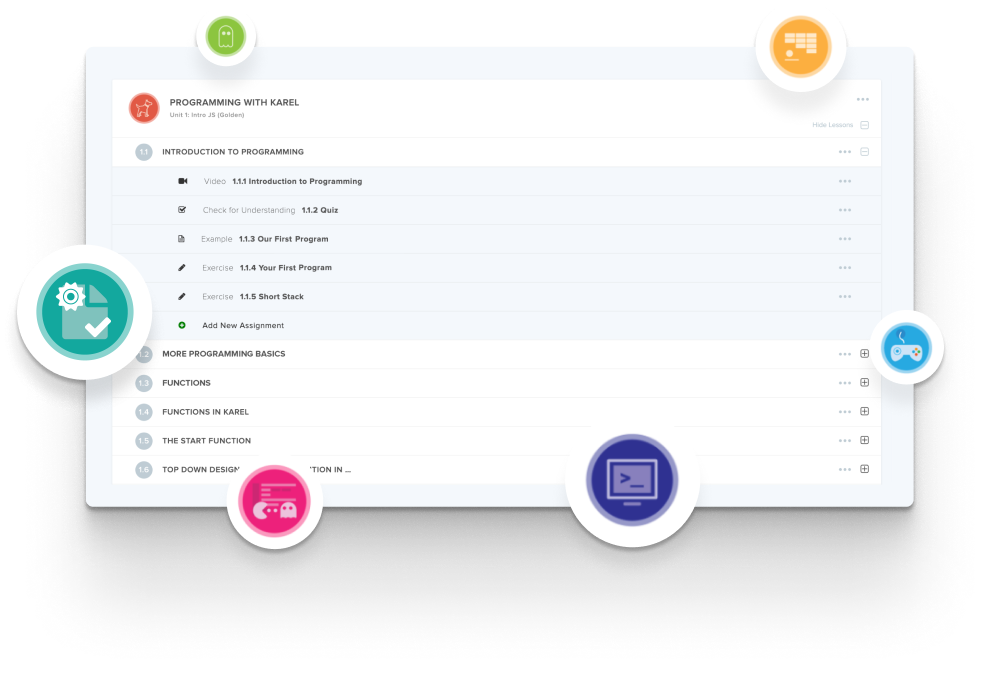
Create and organize Assignments in any CodeHS course that you're teaching. You can even add custom assignments to pre-existing CodeHS courses.
Learn MoreDidn't find what you were looking for? Here are a few links that might be useful to you.
It covers 100% of the Texas Web Design TEKS and 100% of the Texas TEKS CTE Employability Skills at levels 3 and 4.
It is the 11th grade course, following Texas Web Communications at 9th and Texas Computer Science I at 10th.
HTML and CSS first, then advanced HTML and CSS, then JavaScript. Students create their own live homepages that serve as portfolios of their work.
This course includes cybersecurity because the course teaches how the internet works before it teaches how to build for it, so students cover IP addresses, DNS, routing, network attacks, network security, and digital citizenship as the foundation for publishing sites on a real server. The cybersecurity content also supplies the subject matter for the three benchmark projects, where students plan a cyber-hygiene campaign, build its website in HTML and CSS, and write a JavaScript training tool to quiz employees on it.
Through three benchmarks: building a cyber-hygiene campaign, creating a campaign website, and creating an interactive training tool. Students then finalise their campaign site using feedback.
About 170 contact hours, built to run across a full school year.



