





Creating a Game in Roblox
- Level Middle School, High School
- Contact Hours 20
- Timeframe Month
This month-long course is designed to introduce students to the metaverse world of Roblox. Students will learn about the platform, explore the Roblox Studio game engine, build an obstacle course ("obby"), add code scripts to the obby, and customize their own game.
To view the entire syllabus, click here or click to explore the full course.
MODULES - 4
This module will introduce students to the metaverse world of Roblox, explore the concepts of game design, and provide a detailed tour of the Roblox Studio interface and tools used to create games for the Roblox platform.
Students will be able to build a Roblox obstacle course ("obby") game with checkpoints after completing this module. Parts and models will be used to create the obstacles with tools designed to select, move, scale, and rotate added to students' game design toolsets.
Using provided code scripts, students will be able to use the Lua programming language to make obstacles disappear, have a platform fade away to nothing, and make a pool of deadly lava. No prior coding experience is necessary for this module.
Utilizing the skills and tools from the previous modules, students will channel their creativity to customize their games and make them unique. Students will also learn about the different pathways in the game design industry, reflect on what they have learned in the course, and participate in a discussion of the future of the metaverse.
Explore programs that your students will build throughout this course!
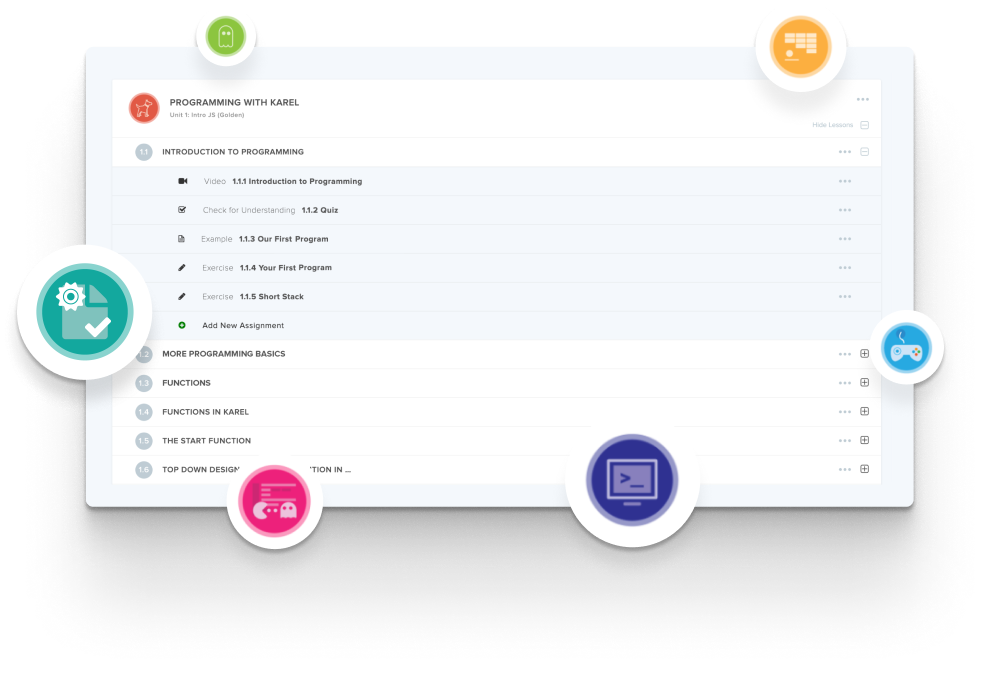
Create and organize Assignments in any CodeHS course that you're teaching. You can even add custom assignments to pre-existing CodeHS courses.
Learn MoreDidn't find what you were looking for? Here are a few links that might be useful to you.
You also might like
An obstacle course, an “obby” in Roblox terms. Students learn the platform, explore the Roblox Studio game engine, build the obby, add code scripts to it, and then customise their own game.
About 20 contact hours, sized to run over a month rather than a term.
Yes. The course is built around Roblox Studio, so students need access to it. Check your device policy before adopting.
CodeHS lists it in the Middle School Pathway at 7th and 8th grade.
Completely different scale. This is a 20-hour month building one obby. AP Computer Science Principles in Roblox is a 175-hour year covering 100% of the AP CSP framework in Lua.



