




Georgia Programming, Games, Apps, and Society
- Level High School
- Contact Hours 125
- Timeframe Year
Mobile applications play an increasingly important role in how we consume media, access news, interact socially, and learn. In this course, students will learn how to design and build mobile applications using React Native, a popular platform-agnostic framework. Note: While students can run their apps on a smartphone, doing so is not required for this course. All development and testing can be done entirely within the CodeHS platform using the built-in simulator.
To view the entire syllabus, click here or click to explore the full course.
MODULES - 15
Students are introduced to the mobile apps course and the React Native framework and its program structure and syntax. Students also preview some of the tools and technologies they will use to build and run their apps.
Students are introduced to components, the backbone of building apps with React Native. They learn about the stylesheet object and how to add custom style attributes to their apps.
In this module, students use the TouchableHighlight component to create interactive “buttons” that add functionality to their apps. They also learn how to use the TextInput component to allow users to enter and submit text. Additionally, students examine intellectual property and key cybersecurity issues related to app development.
Students learn how to add images to their apps to further customize the building experience. They gain a deeper understanding of mobile apps layouts using Flex values and the Dimensions API.
Students apply their knowledge of components, images, buttons, text boxes, and layouts to recreate a screen of a popular app. They will go through this process in steps, taking time to plan their layout and think about the functionality of the app. They may return to the app later to add on additional functions as new concepts are learned.
Students learn how to use state values and how to update the state of their app in various ways to create quick, dynamic programs. They will learn how mathematical equations and string methods can be used to alter values as the user interacts with their programs.
Students learn how to take their apps to the next level by adding in functionality that allows for content and interactivity on multiple screens.
Students use conditionals to allow for more flexible apps. They also learn how parameters are used inside functions.
Students apply their knowledge of components, events, state, conditionals, and more to build a currency converter app. Students use the Stylesheet to create a user friendly layout that can convert multiple currencies!
Students learn how to use arrays to organize and use larger data sets in their programs. They’ll learn how to use mapping to quickly assign styling and layouts to large amounts of data.
Students learn how to use ScrollView inside their programs to show more content on one page than can fit on the screen. Students learn how to scroll through images and text and how mapping can be used with ScrollView to move through large sets of data.
Students apply concepts from previous modules to build an image feed app. Students use control structures, state, and object mapping to display a number of photos, comments, and other information with the ability to "like" photos!
Students are introduced to the theory and practice of user interface design. Students learn about what makes an engaging and accessible user interface, and will employ an iterative design process including rapid prototyping and user testing to design and develop their own engaging mobile apps.
Students take some time to explore and discover different computer science careers. They will also examine inclusive coding and how to avoid bias in computer programming.
Students prove their knowledge of all concepts learned throughout the course through a final exam.
Explore programs that your students will build throughout this course!
Here are a few examples of teacher resources and materials to use in the Georgia Programming, Games, Apps, and Society course
| Standards Framework | Alignment |
|---|---|
| Georgia Programming, Games, Apps, and Society | 100% View |
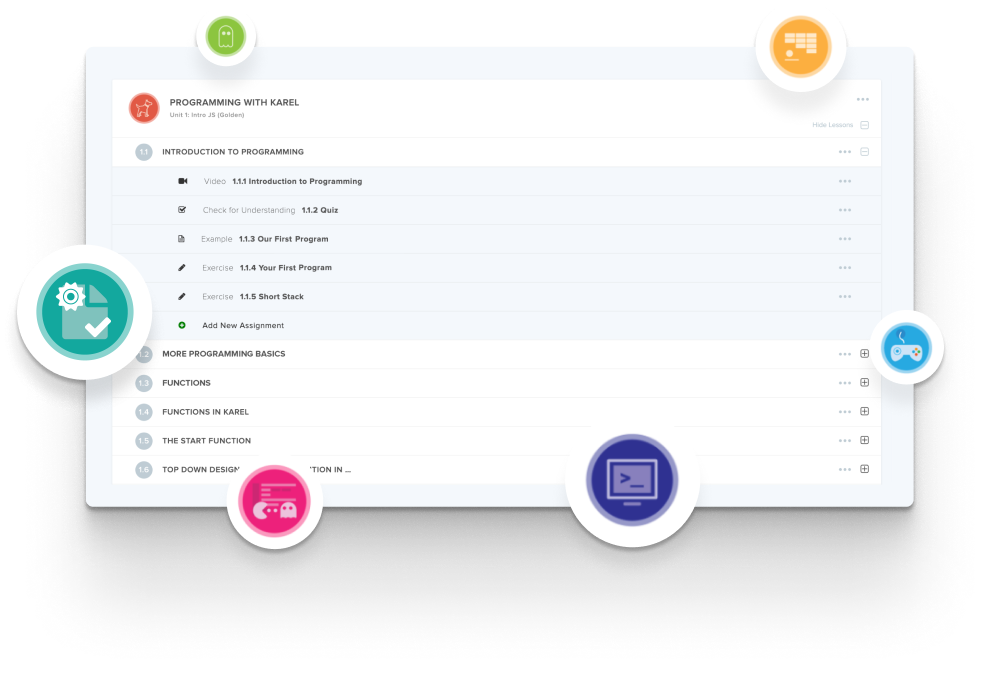
Create and organize Assignments in any CodeHS course that you're teaching. You can even add custom assignments to pre-existing CodeHS courses.
Learn MoreDidn't find what you were looking for? Here are a few links that might be useful to you.
The final course in Georgia's Programming Pathway; students build real-world mobile apps with JavaScript and React Native, culminating in the state-approved CodeHS JavaScript Certification as the EOPA.
It completes Georgia's Programming Pathway, uses React Native (used by Airbnb, Instagram, Tesla), may count toward a 4th science, 4th math, or world-language graduation requirement, and apps can be tested entirely in the CodeHS built-in simulator.
High schoolers with a JavaScript background (e.g., CSP) plus HTML/CSS (e.g., the Georgia Introduction to Software Technology course).



